Service Policy (Agent Portal)
You can process post new business transactions such as Renewal and Endorsement.
Renewal
Follow the below steps for policy renewal:
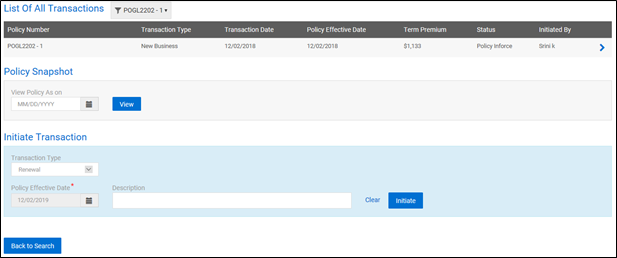
- Once the policy is selected as mentioned in Search, select Renewal from Initiate Transaction on the Policy Activity page and provide the 'Renewal Effective Date' and 'Description'.
- The system creates a new quote with the same details as the prior policy. You can add or edit the policy details.
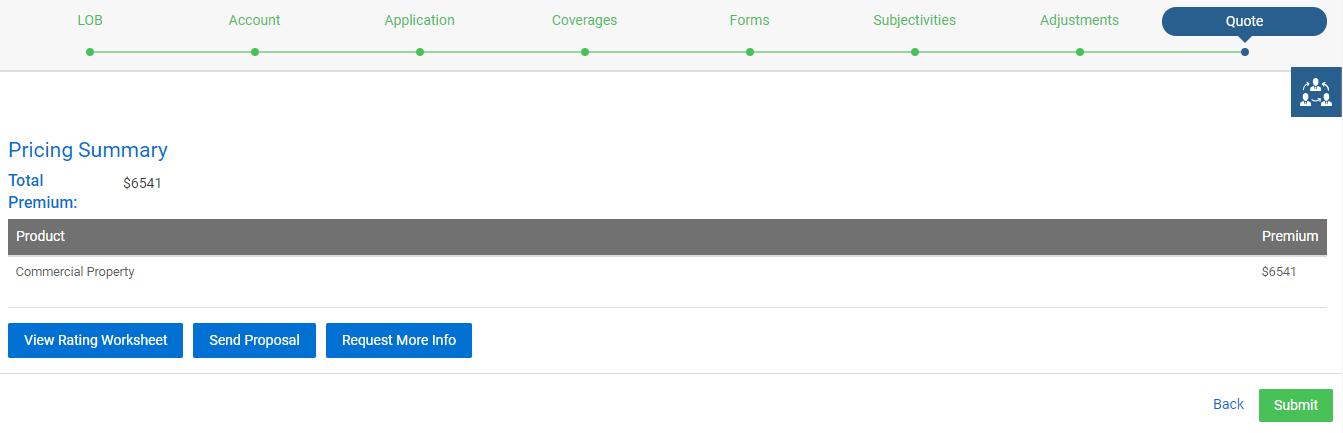
- The system navigates you to the Pricing Screen, and you can make payment.
- Once the payment is done, the policy will be recorded as the second term, which will display under policies for the customer.
Endorsement
Using Endorse Policy, you can add, delete, or modify any information such as buildings, locations, risks, coverages, forms on the existing policies of customers on their request. To process endorsement on a policy, follow these steps:
- Once the policy is selected as mentioned in Search, select Endorsement from Initiate Transaction in the Policy Activity page and provide the 'Endorsement Effective Date' and 'Reason for Endorsement'.
- You will be able to make changes to the existing policy.
- If you are trying to create an endorsement on a policy which has pending endorsements, the screen displays the following message.
note
You can proceed with the pending endorsement or cancel to go back.
- If you click View Details, the list of pending endorsements will be displayed.
note
You can also continue with any of the pending endorsements through Customer Accounts or Policies from the menu on the header.
- To continue with any of the pending endorsements, click on the
 icon displayed at the pending endorsement and click Proceed to quote.
 - In the endorsement quote, you can make the desired changes and proceed to the Pricing Summary screen, where you can view the Prior term Premium, Amended Premium, and Net Change.
- You may proceed to either pay the net change or receive the refund by clicking Submit.
note
If the policy expires, the system does not allow you to perform endorsements/cancellations on the policy.