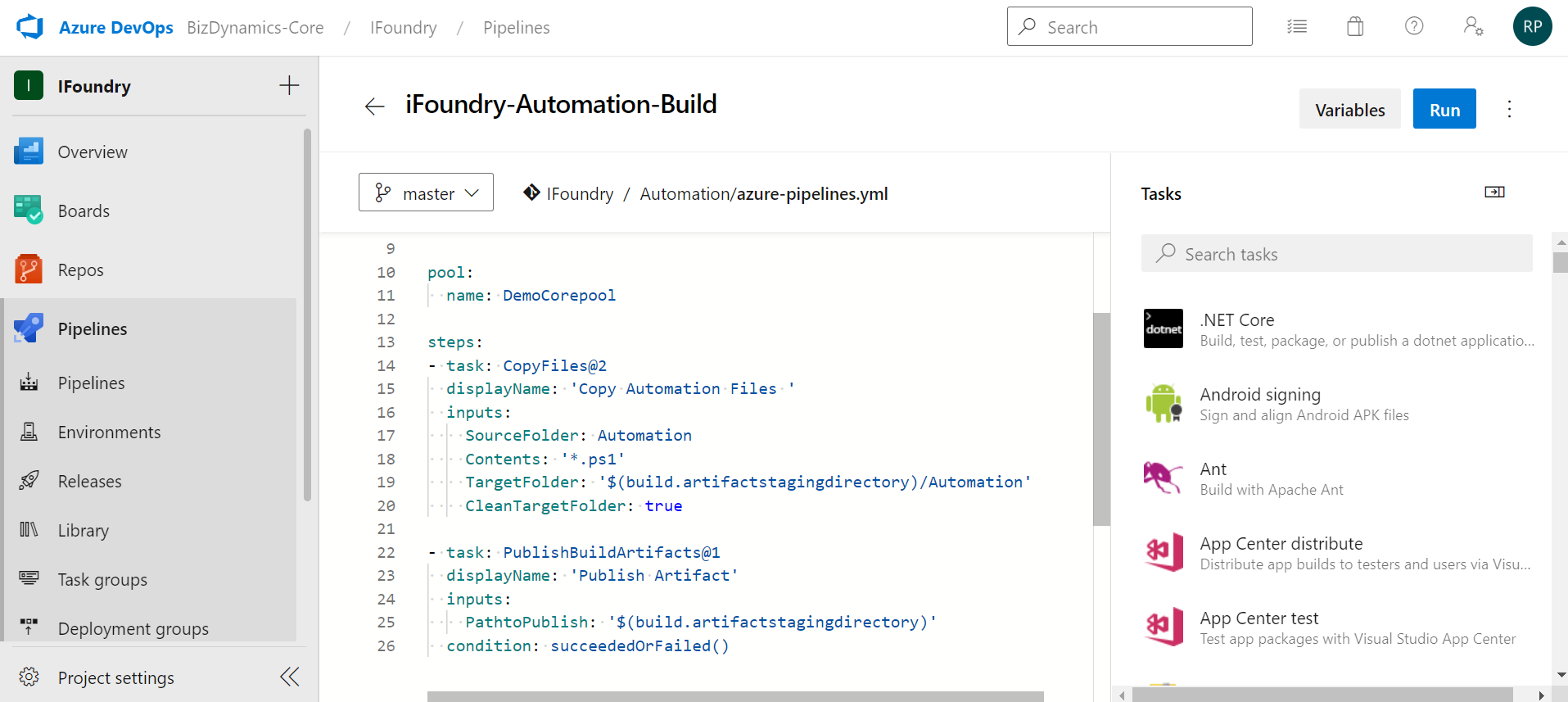
Create Automation Build Pipeline
Follow these steps to create an automation build pipeline for Database:
- Navigate to Pipelines and select New Pipeline.
- Select Azure Repos Git.
- Choose the repository where the build files are located and select Starter Pipeline under Configure Your Pipeline.
- Ensure that the YAML file is configured based on the build script for automation located in the repository. Select Save.
- Select Queue to run the build pipeline.