Create Build Pipeline
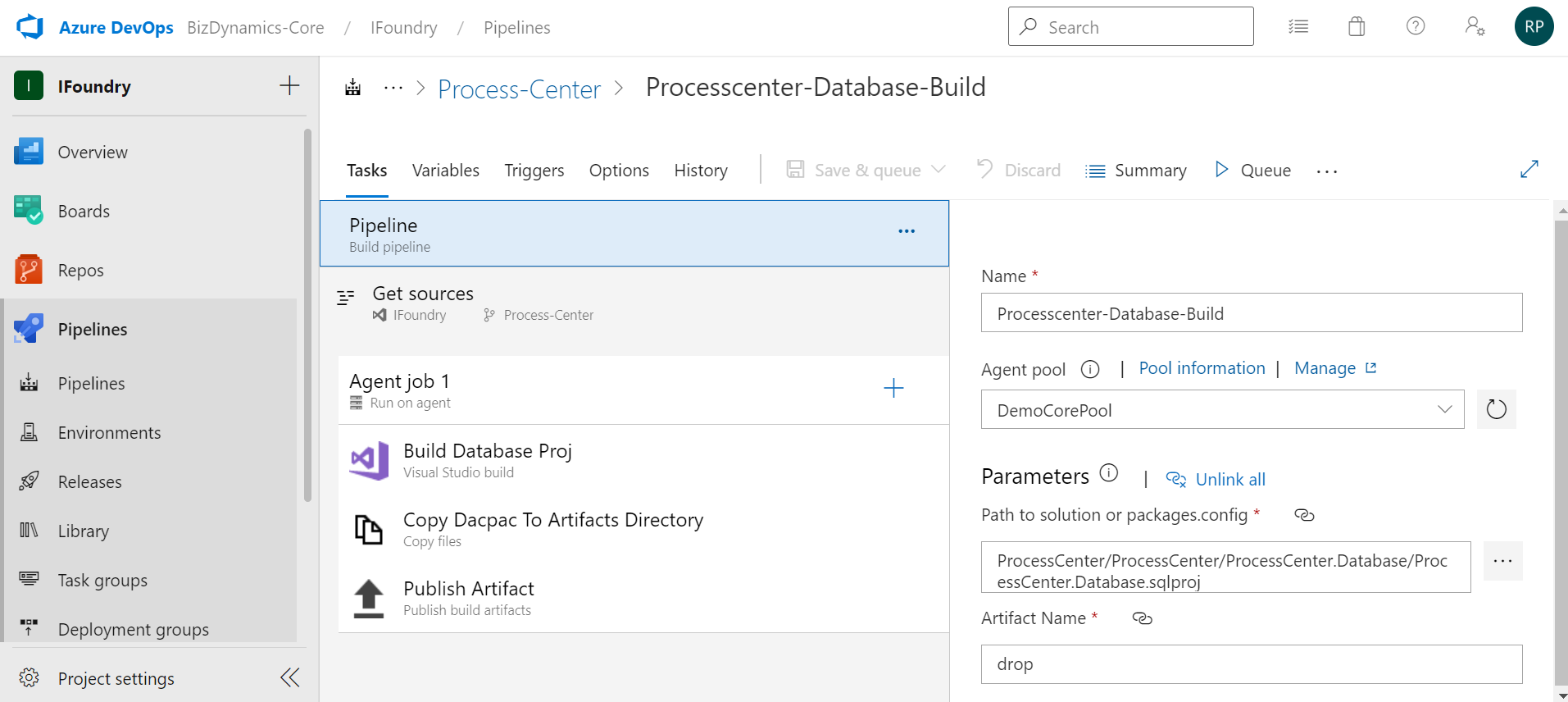
Follow these steps to create a build pipeline for Database:
- Navigate to Pipelines and select New Pipeline.
- Use classic editor.
- Select the branch where the database files are located. Select Continue.
- Select Empty job and add a new agent job (Visual Studio build) and configure.
- Add Copy files task and configure.
- Add a Publish build artifacts task. Select Save and queue when ready.