Profile and Preferences (Employee Portal)
You can navigate to Profile and Preferences through Settings on the top right corner of the dashboard.
Profile
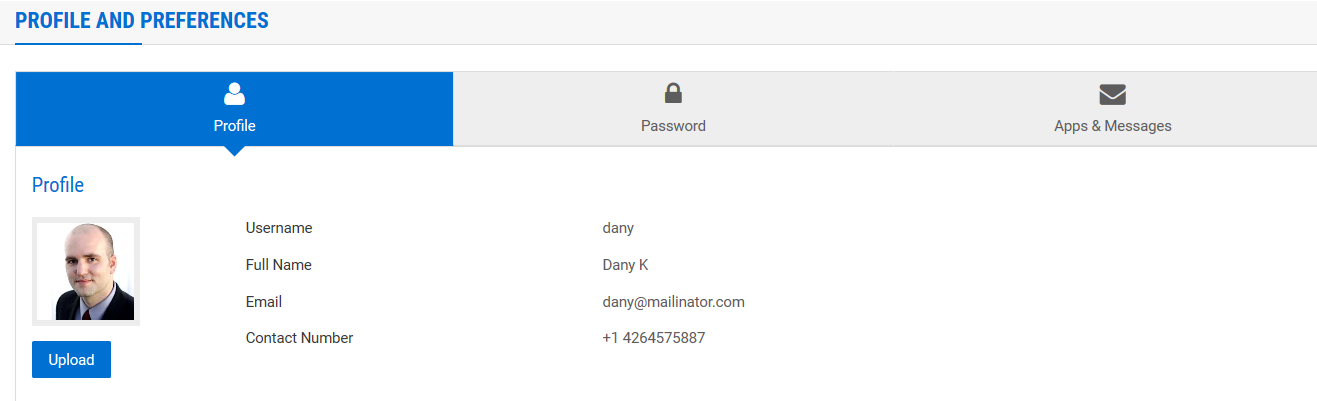
From Profile and Preferences, navigate to Profile to view the personal details. Also you can add a profile picture using Upload.
Password
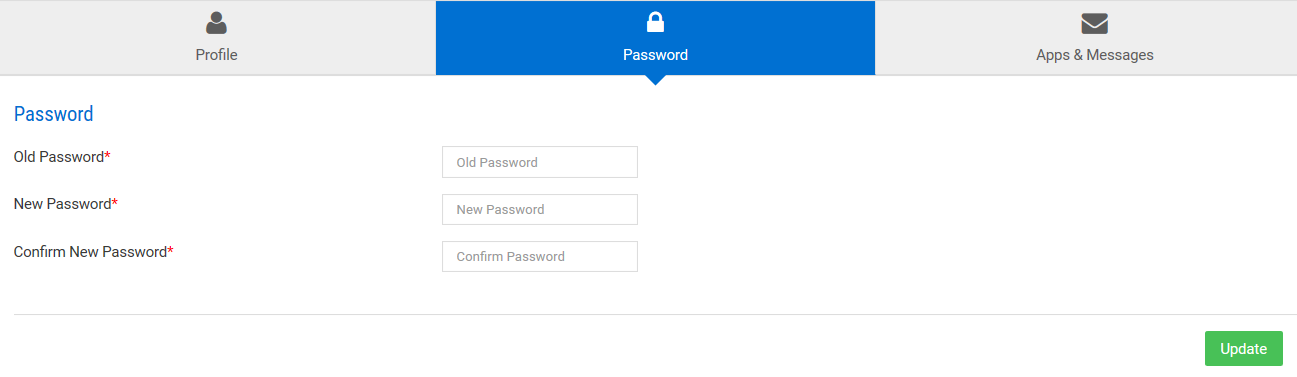
From Profile and Preferences, navigate to Password to reset your password.
Apps & Messages
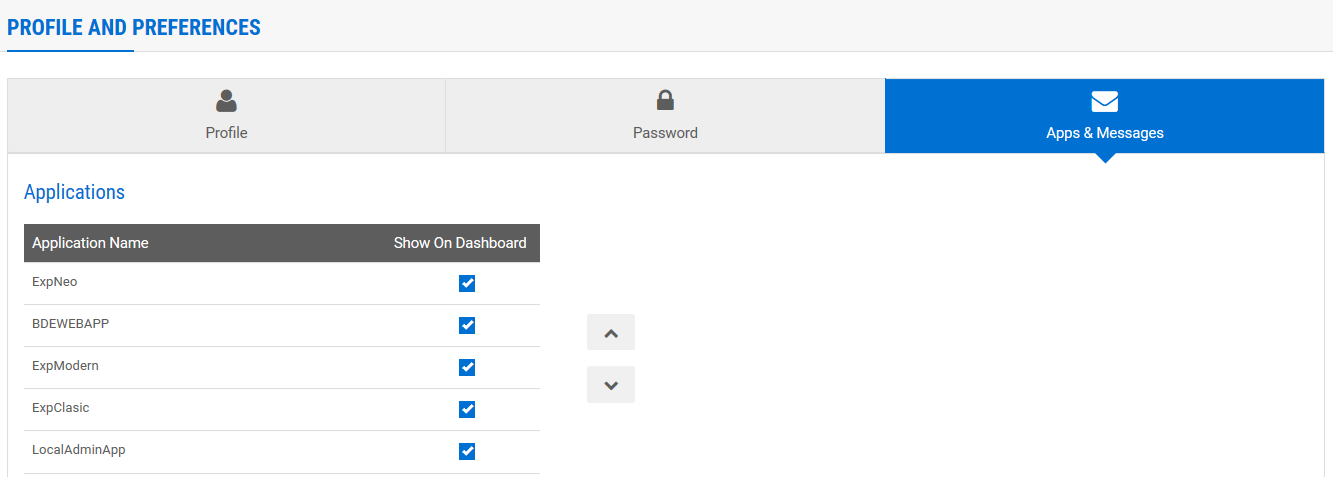
Through Apps & Messages, you can perform these functions:
- View the assigned applications and choose to show/hide the applications on dashboard
- Reorder the applications
- Choose the message types to be displayed on dashboard
note
You can configure the apps that you wish to view on your dashboard through Apps & Messages.