Reports (Employee Portal)
Click on Reports from the Menu Items available on the left pane of the homepage. Here, you can generate Summary Report and Conversion Report.
You can filter reports based on Product, Transaction Type, Agency/Organisation Name, Agent/Employee Name, State, Industry Type, Status, Date Type (Policy Effective Date or Transaction Date).
note
You can choose the range of Policy Effective Dates or Transaction Dates to filter the reports of specified duration.
To view detailed reports, download the Excel or PDF files through the download icon  .
.
Summary Report
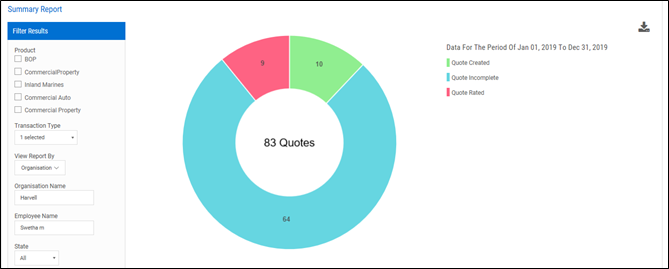
You can view the breakup of quotes status in the form of Pie chart based on filter criteria.
Conversion Report
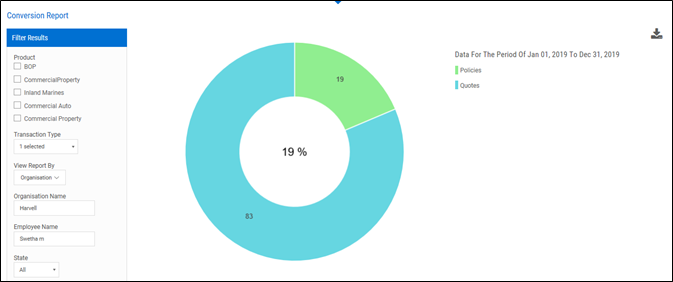
You can view the percentage of quotes that are converted to policies out of total quotes created in the form of Pie chart.